Build your skills. Make your experience count.
Explore technology learning with INFOC Academy. Present your experience through Talents Gateway, or talk to us about the skills your team needs.
- Professional development
- Specialist talent
- Team learning

Choose your next step
Start with what you want to learn, the experience you want to share or the skills your team needs.

Present my experience
Prepare a clear account of your skills, projects and responsibilities. For professionals
Discuss a talent need
Explain the work to be done and the skills your team needs. For employers
Develop my skills
Explore learning based on your experience and the work you want to do. Explore Academy
Put skills in the context of real work
Talents Gateway starts with the work: what a professional has done and what an employer needs delivered.
For professionals
Make your skills understandable through responsibilities, project examples and relevant credentials.
Explore the professional routeFor employers
Describe the role, the skills required and the support your team needs.
Explore the employer routeOpen roles at INFOC India
Our own roles, open now. Every application is read against the role and answered at the address you give.
Choose learning around your next responsibility
Start with your current knowledge and the tasks you need to handle. Explore a learning path or discuss practical development for your team.
Learning for individuals
Compare technology areas and discuss a path suited to your starting point.
Explore learning pathsLearning for teams
Connect learning goals to your platform, work tasks and team responsibilities.
Explore team learning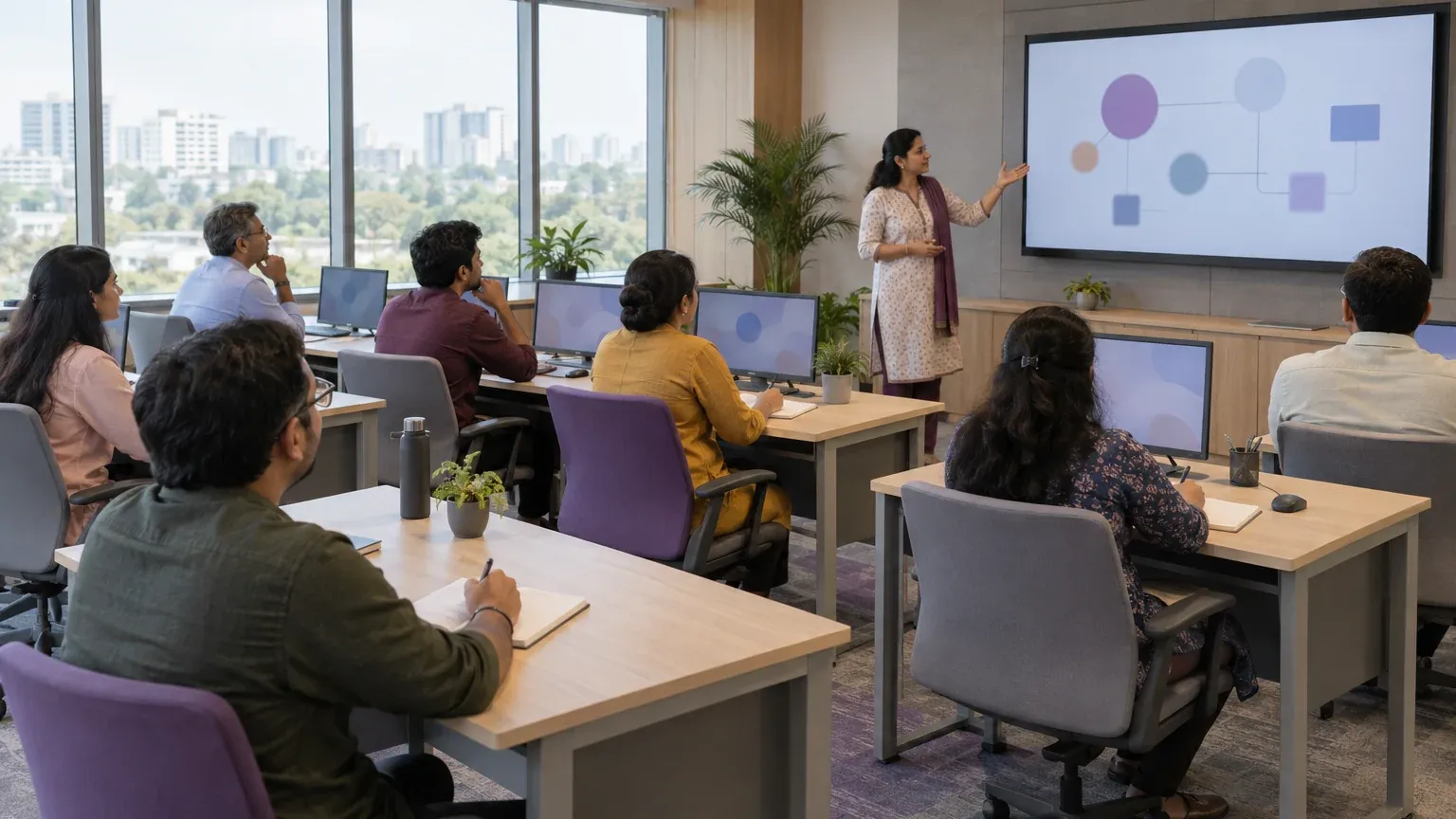
Make the first conversation useful
A clear starting point helps us discuss the relevant route with you.
Tell us about your current role, experience or team requirement.
Explain the work you want to do or the capability your team needs.
Discuss the scope and confirm the relevant options and availability with INFOC.
Need help with the technology itself?
Explore platform support when your requirement includes an implementation or technology project.

Build Microsoft skills around a real responsibility
Explore the work behind the platform, then choose Academy for learning or Talents Gateway for a professional or employer enquiry.
Business applications
Develop an understanding of how finance and operations connect in Dynamics 365 Business Central. Functional work centres on processes and configuration; development adds AL extensions, integration and testing.
Data, analytics and AI
Connect Microsoft Fabric and Power BI learning to trustworthy data and useful decisions. For Copilot and agents, start with a defined task, appropriate knowledge sources and a way to evaluate the result.
Cloud and modern work
Relate Azure, Microsoft 365 and Power Platform skills to secure access, collaboration and dependable operations. Understand who owns each workflow and what happens when something needs attention.

Connect learning, evidence and opportunity
INFOC India brings the learning and talent conversations together through a shared focus on the work people need to do.
Start with your current knowledge and a task you want to handle. Compare Academy learning areas, or describe the responsibilities your team needs to develop across a Microsoft environment.
Describe what you have built, configured, analysed or supported. Use a permitted example to explain your contribution and the checks behind the result. Keep learning projects and professional delivery clearly identified.
Professionals can explain the role they want to grow into. Employers can describe a deliverable and the level of ownership required. Talents Gateway provides a focused route for those conversations with INFOC India.
Tell us what you want to learn or achieve
Share your learning goal, professional background or team requirement with the India desk.